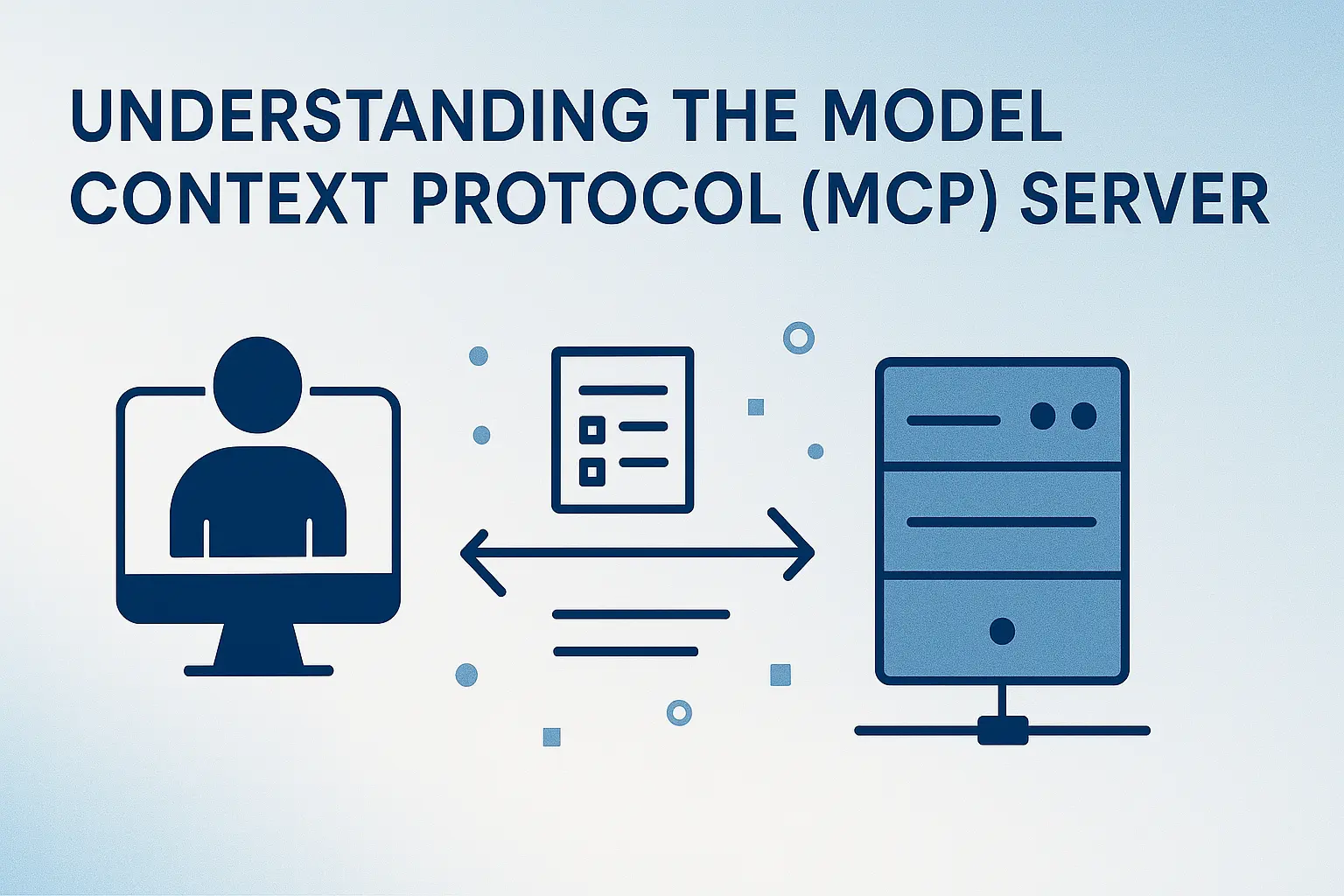
Understanding the Model Context Protocol (MCP) Server
The Model Context Protocol (MCP) is a lightweight protocol designed to facilitate efficient server-client communication. It is commonly used in scenarios where structured data exchange is required, such as in machine learning model serving or distributed systems.
Purpose of MCP
The primary goal of MCP is to provide a standardized way for clients to interact with servers, enabling seamless data exchange and reducing the complexity of custom communication protocols.
Setting Up an MCP Server
To set up an MCP server, you need to install the required libraries and configure the server environment. Below is a step-by-step guide:
Install Required Libraries
Ensure you have the necessary libraries installed. You can use pip to install them:
pip install flask flask-socketio
Import Required Libraries
from flask import Flask, request, jsonify
from flask_socketio import SocketIO

# Initialize Flask app and SocketIO
app = Flask(__name__)
socketio = SocketIO(app)
Implementing MCP Protocol in Python
The MCP protocol involves defining endpoints for handling client requests and sending appropriate responses. Below is an example implementation:
@app.route('/mcp', methods=['POST'])
def mcp_handler():
    # Parse incoming request
    data = request.json
    print(f"Received data: {data}")

    # Process the request and generate a response
    response = {
        "status": "success",
        "message": "MCP request processed successfully",
        "data": {"echo": data}
    }
    return jsonify(response)

# Start the server
if __name__ == '__main__':
    print("Starting MCP Server...")
    socketio.run(app, host='0.0.0.0', port=5000)
Testing MCP Server Communication
To test the MCP server, you can use a client script to send requests and verify the responses. Below is an example client script:
import requests

# Define the server URL
server_url = "http://127.0.0.1:5000/mcp"

# Prepare a sample request payload
payload = {
    "action": "test",
    "parameters": {"key1": "value1", "key2": "value2"}
}

# Send the request to the MCP server
response = requests.post(server_url, json=payload)

# Print the server's response
print("Server Response:")
print(response.json())
Conclusion
The Model Context Protocol (MCP) server simplifies server-client communication by providing a standardized protocol for data exchange. By following the steps outlined above, you can set up and test an MCP server to handle structured data requests efficiently. This protocol is a valuable tool for developers working on distributed systems or machine learning applications.
Comments & Discussion
Join the conversation! Share your thoughts, ask questions, or provide feedback below.